Business application2026-08-16
Products, categories and stock levels in one inventory
The application gives staff a shared view of products used or sold at the station, with current quantities and a clear warning when stock drops below its minimum.
- Client
- Private client (name is not published)
- Type
- Internal inventory application
- Scope
- Products, categories, stock, prices and warnings
- Technology
- PHP 8.3 · MariaDB · PWA
- Status
- Active private application
- Technology
- PHP 8.3 · MariaDB · PWA
Problem and context
Inventory overview
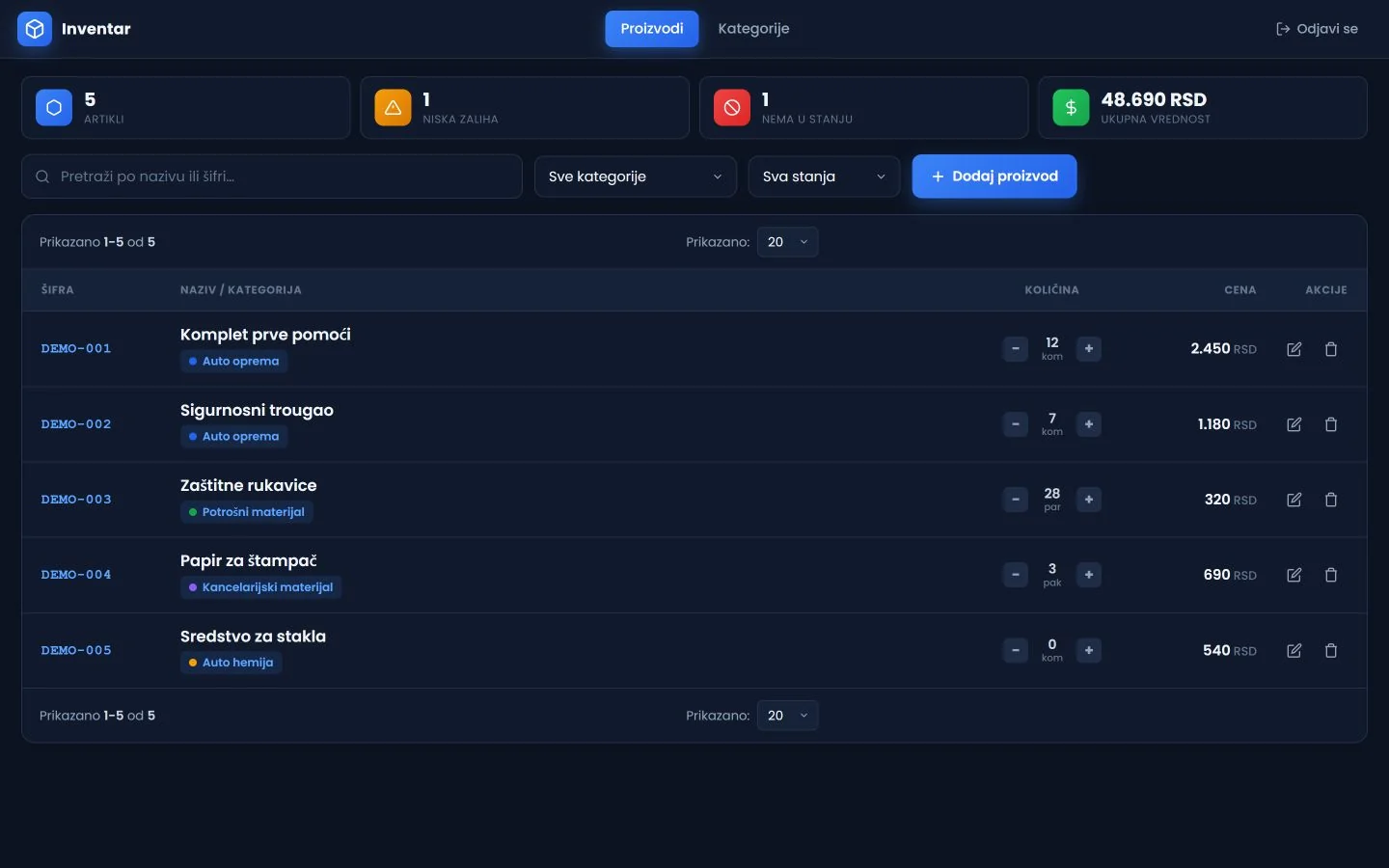
The workspace opens with product count, low-stock products, out-of-stock items and total inventory value. The list then shows each product code, name, category, quantity, unit and price.
Search and filters
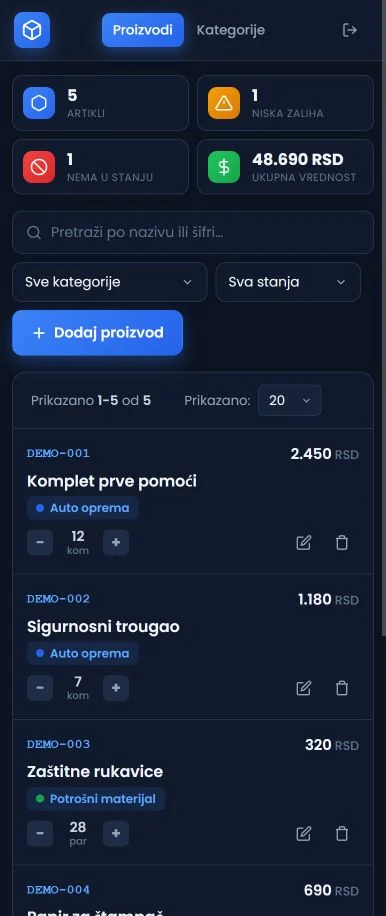
Products can be searched by name or code and filtered by category and stock state. Pagination and page-size controls keep the same view usable as the inventory grows.
Quick quantity changes
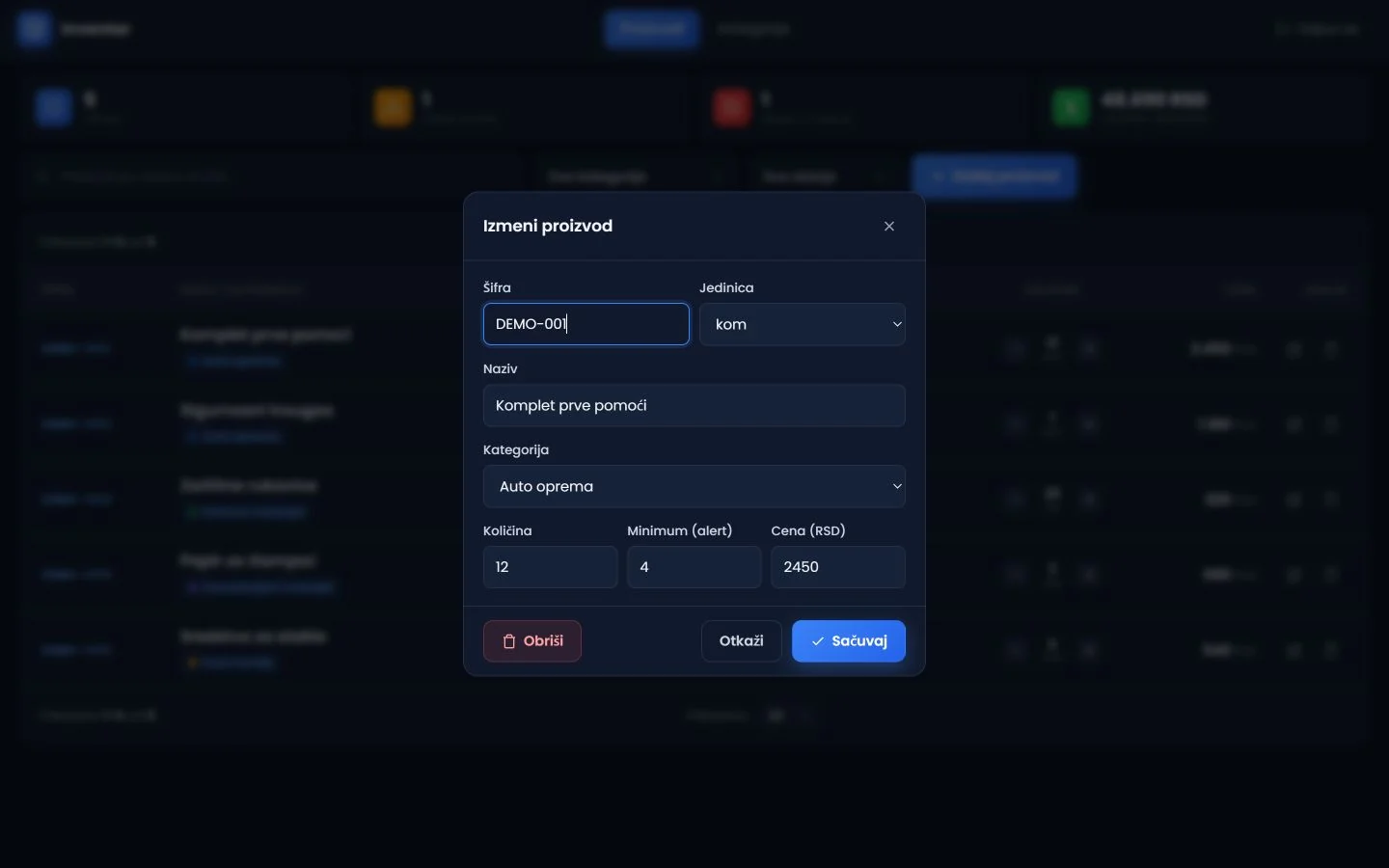
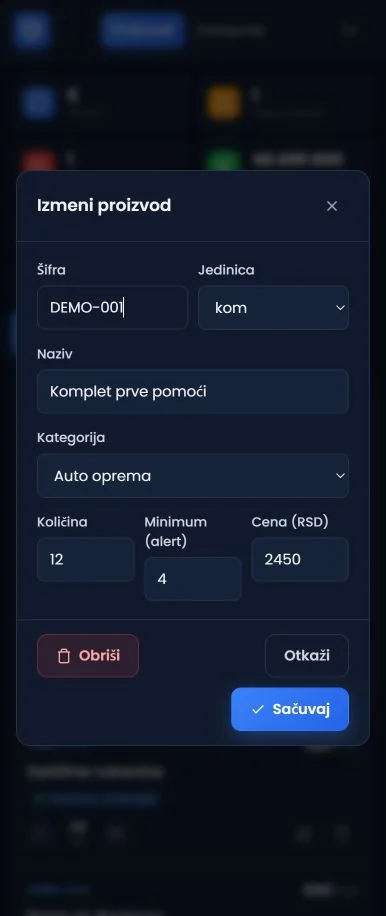
Quantity can be increased or reduced directly in the product row. A separate form handles the code, name, category, unit, minimum, quantity and selling price.
Outcome
Categories and synchronisation
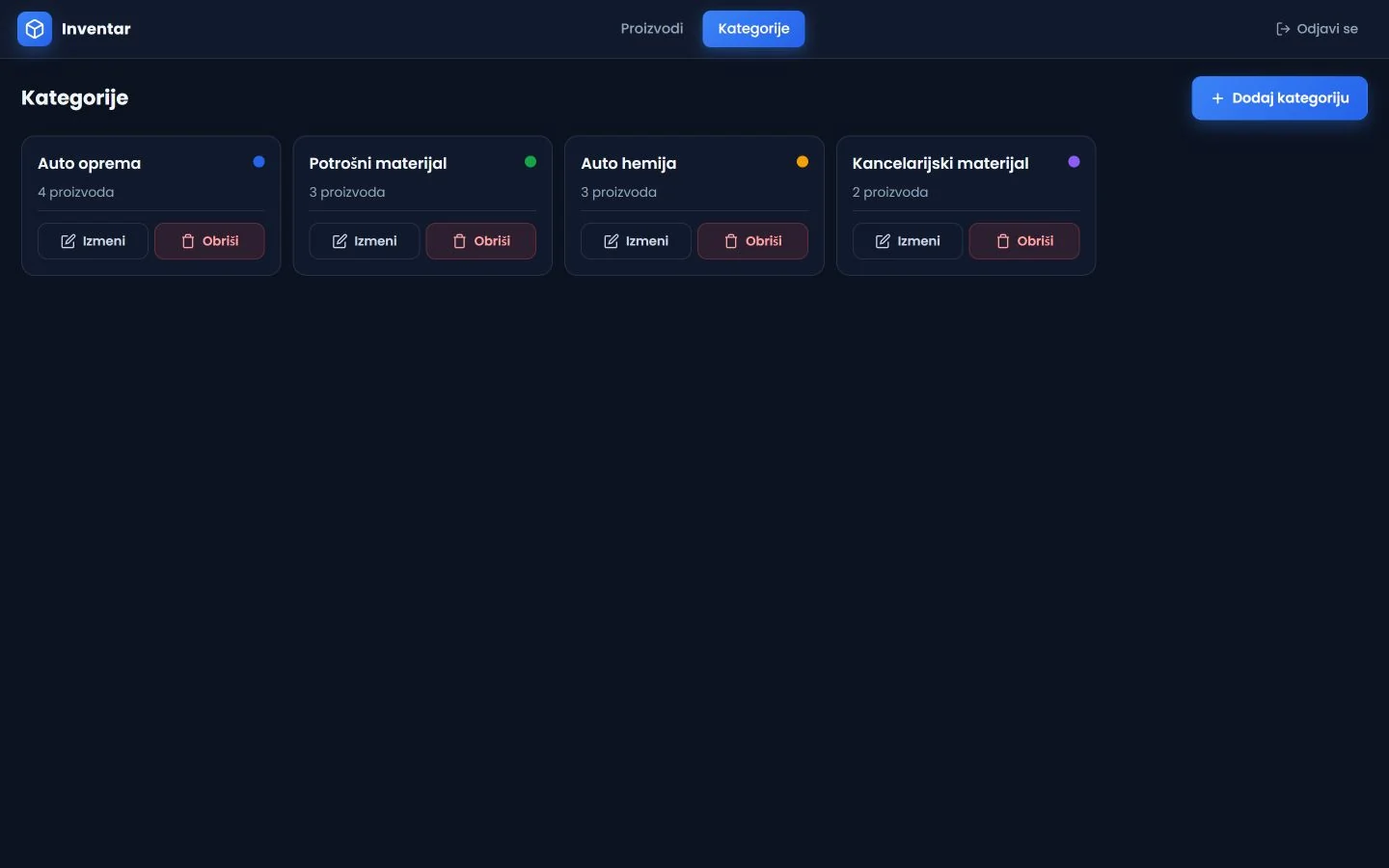
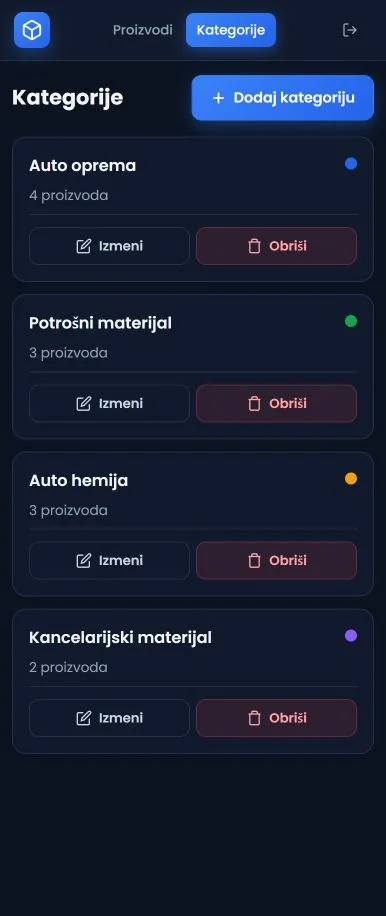
Categories have their own view and feed the filters and product labels. The interface shows synchronisation status, while public images use safe test products only.
Gallery
A closer look at the project.
FAQ
Frequently asked questions
What is tracked for each product?
The demonstrated product records its code, name, category, unit, quantity, minimum stock and selling price.
How does the interface surface shortages?
The overview separates low-stock and out-of-stock products, with a corresponding state shown on every item.
Do public images use real stock data?
No. The portfolio shows an isolated interface with test products, quantities and prices.
Up next
Related projects
Infrastructure control panel
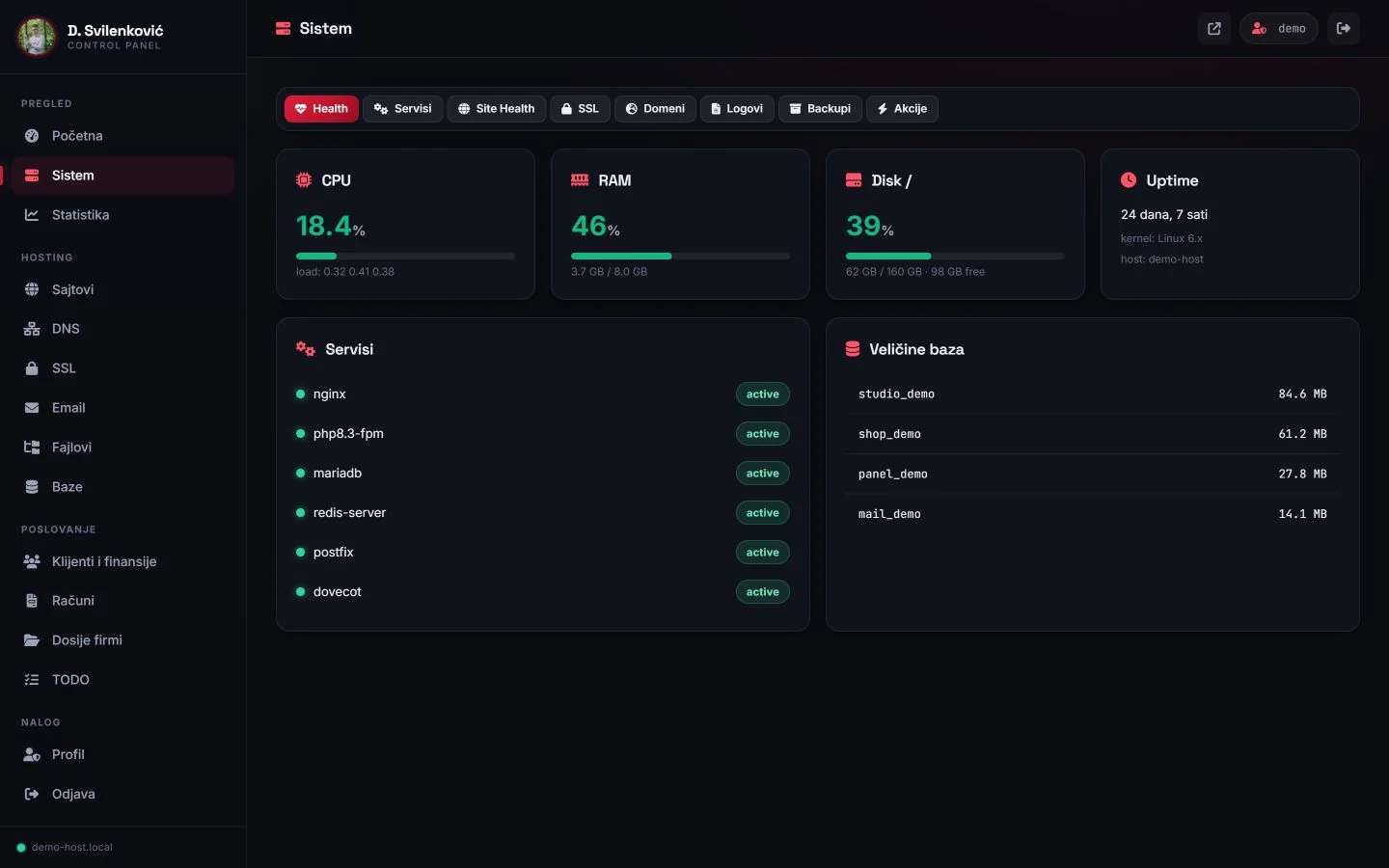
An internal panel for viewing and controlling multiple websites and their supporting services.
Case study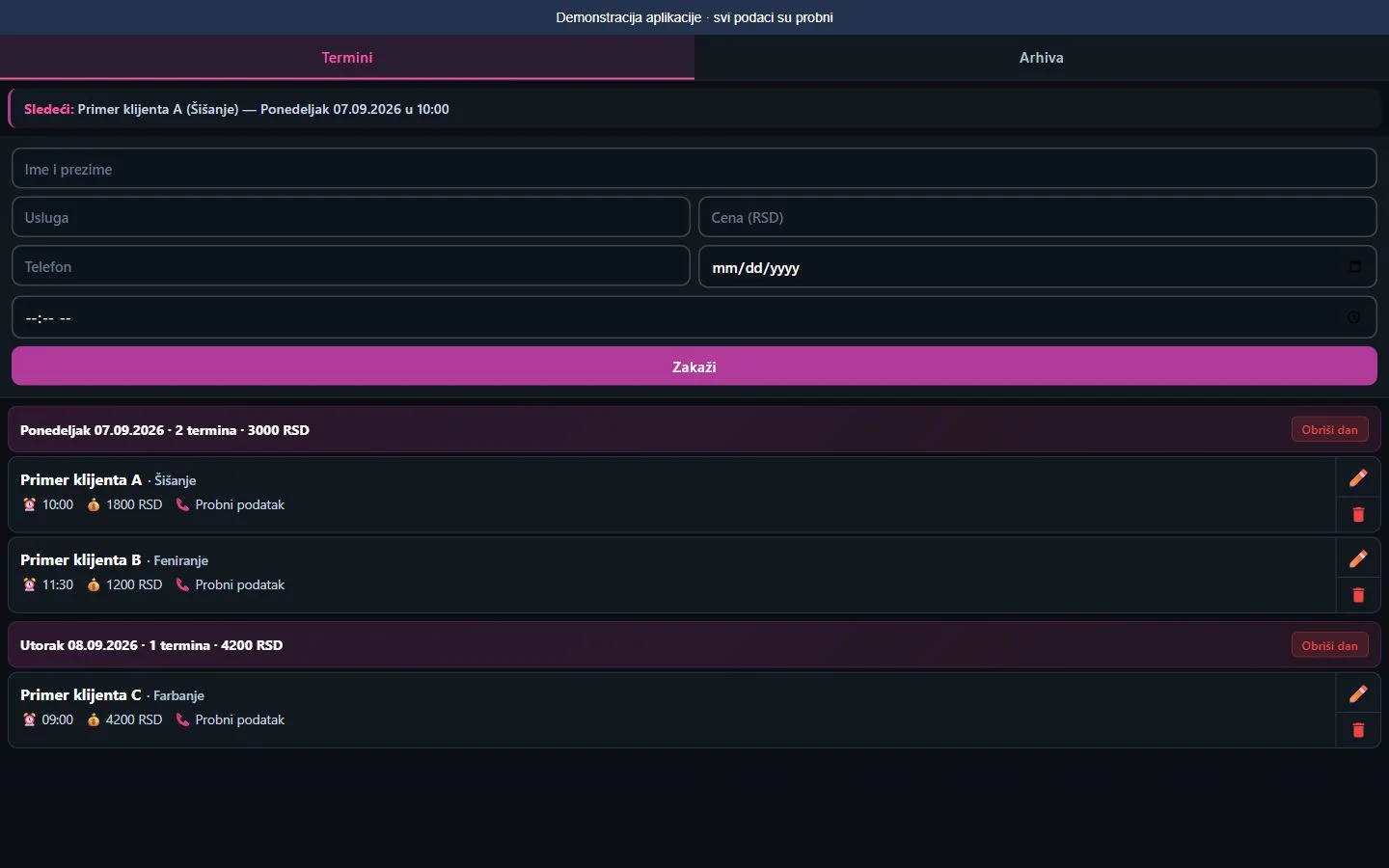
Salon appointment manager
Appointment entry, edits, archive and daily totals in one workspace.
Case study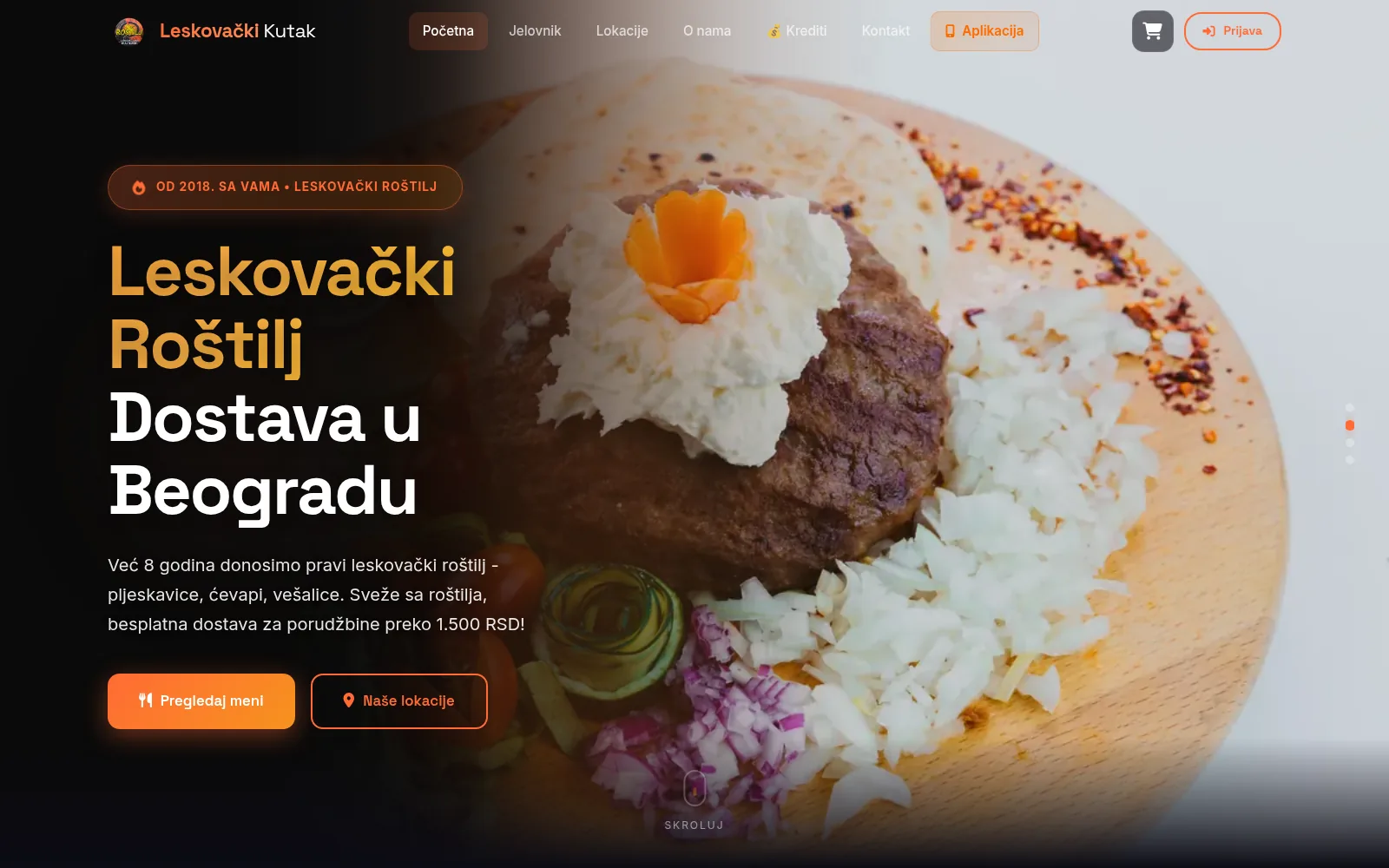
Leskovački Kutak: platform
A connected order flow from the customer menu to the kitchen, driver and reporting.
Case studyNext step
Have a project that needs to work better?
Send me your goal and current situation. I will reply with a concrete scope proposal.
Start a project