Online store2026-08-21
Prva Lekcija — state matura preparation with accounts and online payments
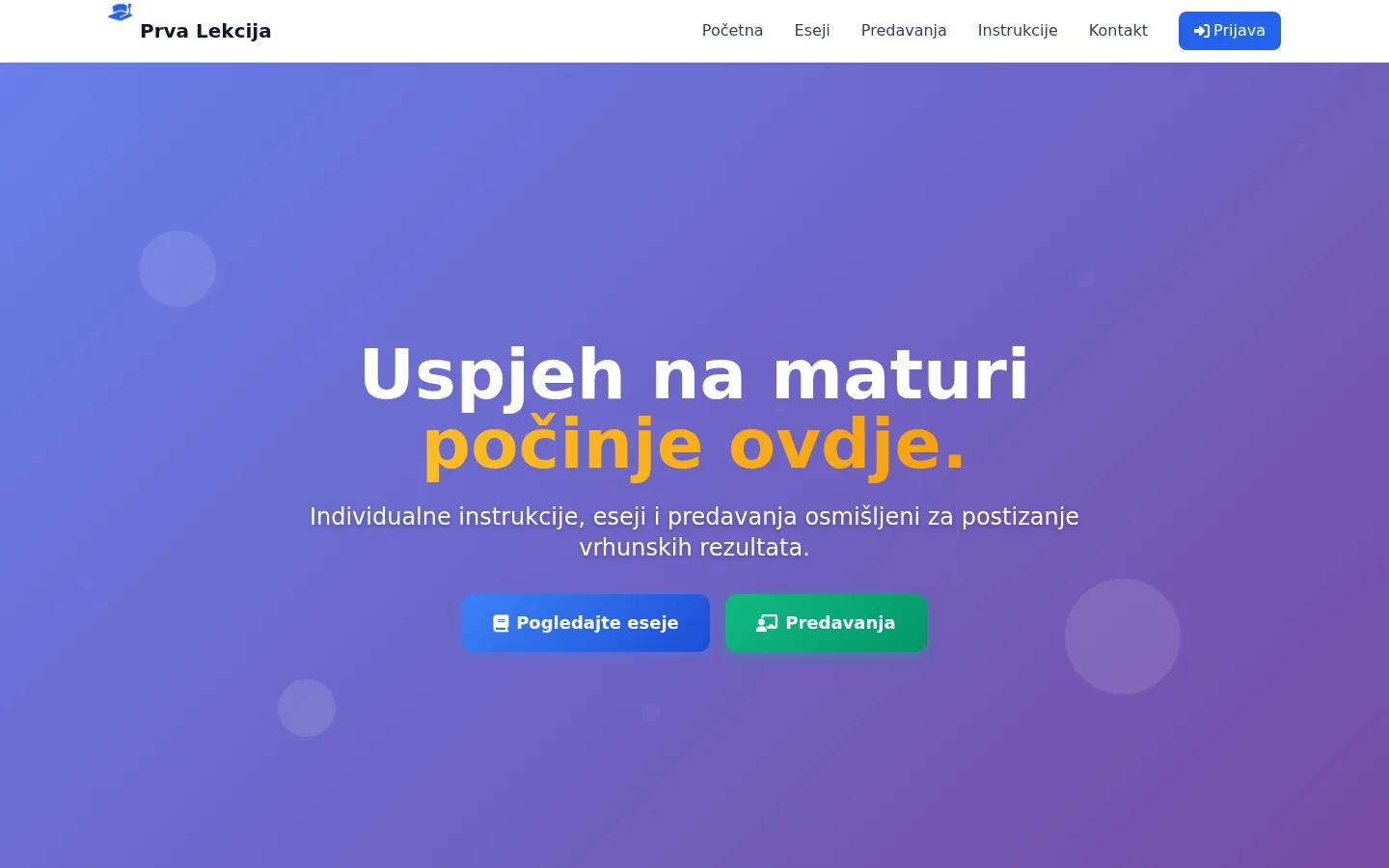
A Zagreb-based matura preparation business needed a website that could take payment and deliver digital materials automatically. Customers receive purchased content after payment is confirmed, while card details remain with Stripe.
- Client
- Prva Lekcija
- Activity
- Preparation for the state exam — tutoring, essays, online lectures
- Region
- Zagreb and all of Croatia, online
- Type
- Site with user accounts and online payment
- Language
- Croatian (hr-HR)
- Technologies
- PHP 8.3 · MariaDB · Stripe Checkout · nginx
- Site
- prvalekcija.com
- Status
- Live site, billing active
- Technology
- PHP 8.3 · MariaDB · Stripe Checkout · nginx · Tailwind
Problem and context
What does Prva Lekcija do
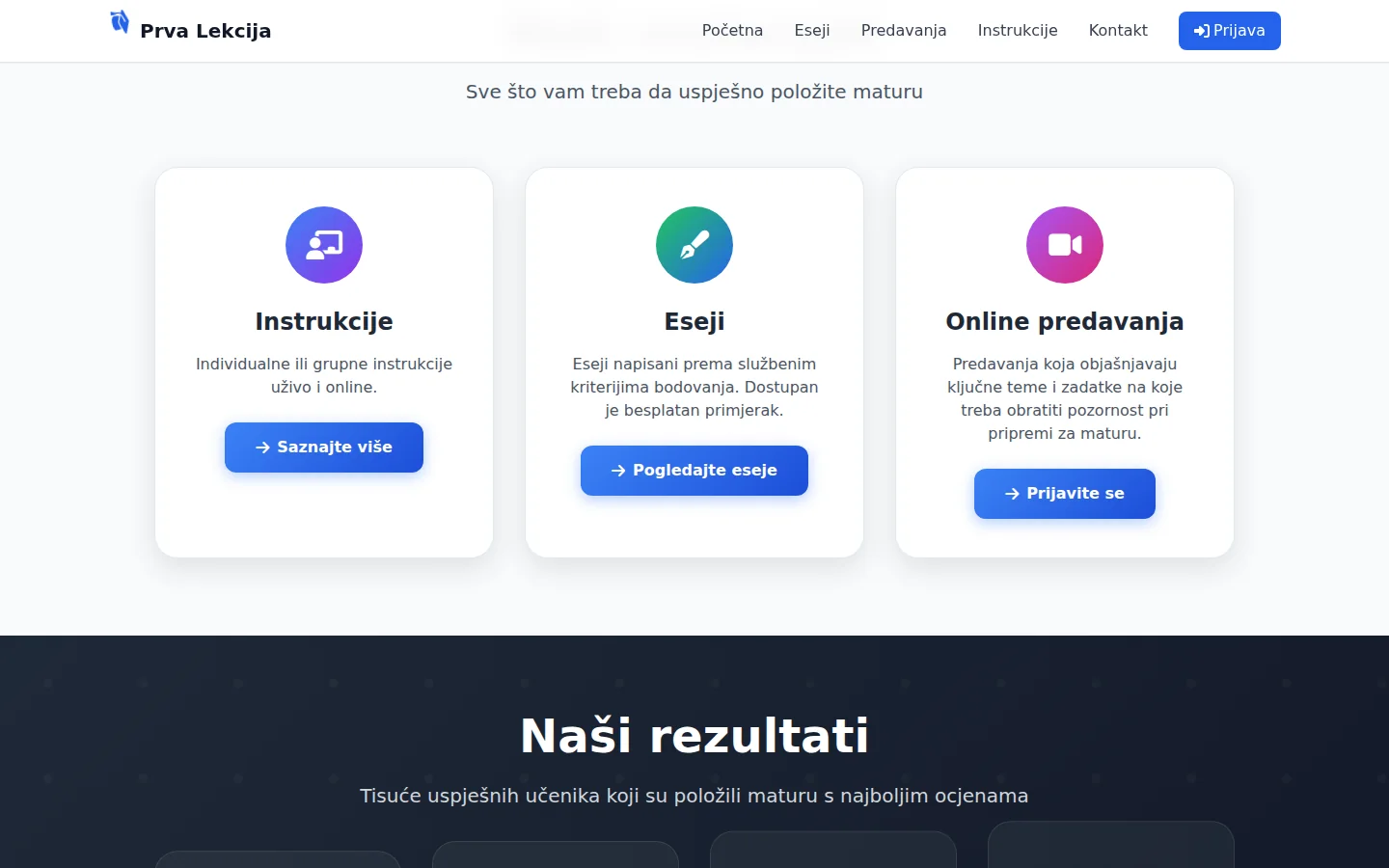
Prva Lekcija is Zagreb's preparation for the state matura. It offers three things that are more distinct than they first appear: ready-made PDF essays, online lectures that are recorded and remain available to participants, and tutoring — one-to-one or in a small group, live and online.
The site is in Croatian and written for Croatian high school graduates. This localization is functional, rather than cosmetic. The Croatian State Matura has its own essay scoring criteria, its own reading material and its own timetable, so the entire dictionary on the website is linked to that system. The document is marked as hr-HR, in the structured data the area of operation is Croatia, the contact is from Zagreb, and the consent interface is also written in Croatian — which sounds like a small thing until you see how many sites from the region serve the English bar to the visitor on the local page.
Essays are the main product. They are written according to the official scoring criteria, with an explanation of how each part is scored. On the page Matura essays there is also a free example — an analysis of Gospoda Glembajevi — which can be downloaded immediately, without leaving any data, so that the student can see exactly what he is getting before buying.
The homepage also has a block of numbers about past work — these figures are the client’s own claims, rather than results measured by me.
What needed to be solved
The request was not "build an instructional site". It had four firm requirements:
- Selling digital content — the customer pays and immediately receives the material, without waiting for someone to manually send him a PDF.
- An account that remembers each purchase — purchased content must remain available the next time, from any device.
- Billing for the Croatian market — in euros, in the Croatian language, with the same amount on the site and on the payment page.
- Reliable inquiry handling — every contact-form message needs to be stored somewhere visible.
In addition to that, there was a part that cannot be seen. A site with sign-in and checkout has to withstand tampering with its requests and trying to modify them. Three things must not be decided in the browser: the price, the right of access and the moment of delivery. If any of those three travel from the client, the system exposes a security boundary that can be bypassed from the browser console.
Going through the code revealed one quiet problem. The contact form appeared to work — the button responded, a success message was printed — but the request never left the page. Every inquiry was lost, and no one could notice it from the site. More on that below, because it's one of those mistakes that costs the most and is the least visible.
Three pages, three different assignments
Essays, lectures and tutoring appear together in the menu, but each follows a different customer journey. The essays page sells downloadable material. The lectures page sells access to a scheduled session and its recording. The tutoring page starts a conversation. Therefore, none of them are the same template page with changed text.
Essays start with a free sample, and only then go to the set. The sequence is intentionally like this: the student first sees the quality, and then he is offered to buy. The page clearly explains the purchase flow and where the content becomes available after confirmed payment.
Online lectures are divided by subjects, with written content of each lecture: which parts of the material to focus on, what brings the most points, how to avoid common mistakes, how to speed up the solving of tasks. The emphasis is on exam logic, not on repeating the material, and this is stated openly on the page. Lectures are recorded and remain available after the term, along with summarized materials.
Tutoring offers a choice between individual work and work in a small group, with a clear explanation of what each format includes. You don't buy online there — you arrange a session there, so that page leads to a contact, not to the basket.
Each page has its own title, its own description and its own canonical URL. Commercial pages used to have titles of about twenty characters, although there is almost three times as much space available in the search result — they were rewritten in such a way that the search result itself explains what it is about and for which exam.

Registration, sign-in and the user account
A user account keeps purchased content in one place and makes it available across devices. Registration, sign-in and the personal account therefore remain an important part of the system, independently of how a purchase begins.
Testing the account flow also uncovered a costly problem. The forms worked on the server, but the frontend never called them: after an earlier refactor, the JavaScript was looking for classes and field names that no longer existed in HTML, so submissions failed silently — no error in the console, no request to the server. Login, registration and contact were three different forms that all appeared functional, yet none submitted a request. It was only found by checking in the right browser. A command-line test would not catch it, because the API answered correctly all the time.
The sign-in flow also includes safeguards that the user does not see: a limit on the number of attempts per IP address, session ID regeneration after a successful login, and the rule that every action that changes the state of the account requires a token that verifies that the request comes from the site, and not from another website. The user cannot see other people's purchases even by entering someone else's order number in the address — the server checks ownership against the authenticated user instead of trusting the order number in the request.
Billing — how it works today
Billing goes through the Stripe payment page. The customer leaves the site for Stripe Checkout, enters card details there and then returns. There is no card number on our server, no field that receives it, no record of it — and that's on purpose, because the safest card data to store is card data the application never receives.
The sequence is deliberate. Only the product identifier is sent by the browser. The server takes the price from its database; any amount supplied by the browser is ignored. Before Stripe is even called, a pending row is written to the database so its identifier can be included in the payment session metadata. Only then will the payment page open.
A single function handles fulfillment. It moves the purchase from pending to completed with a conditional database update: if another request has already changed the row, the second call does nothing and sends no duplicate email. This is important because the site receives payment confirmation through two routes — from the return page to which the customer returns and from the notification that Stripe sends directly to the server. Both paths call the same code, and only one of them actually changes the database row.
The return page does not trust the URL parameters that brought the customer back. Before treating the purchase as paid, the server retrieves the session from Stripe again and looks at its response, not the parameters from the link. The notification that arrives at the server is authenticated by the signature — without the correct signature, the request cannot change the database. The opposite is also checked: an expired signature, modified payload or signature made with the wrong key will all fail verification.
For the customer, the consequence is simple. Until the payment is confirmed, the content is not delivered and does not appear in the customer’s account. Once payment is confirmed, the material appears exactly once. If the same set has already been purchased, the site does not open a new checkout but says so.
The price the customer sees on the checkout page
This finding deserves its own section, because it cannot be found by any command line test.
By default, the Stripe account had an option turned on that would show visitors outside the eurozone a converted amount in their local currency. At first glance, that sounds helpful. The problem is the exchange rate: the conversion is based on the Stripe exchange rate, which was less favorable than the market rate, so the visitor from Serbia saw on the payment page an amount that was several percent higher in real terms than the amount shown on the site.
The site says one price, the payment page charges another. For a site that sells to high school graduates, this is a matter of trust, rather than a minor technical detail, and the customer has no way of noticing the difference unless they compare the exchange rate himself.
The option is disabled when the payment session is created. After that, the payment page shows the exact amount in euros, in Croatian, the same as on the site, regardless of where the visitor comes from.
What is worth remembering here is the method, not the option. The request was correct, the server response was correct, the amount in the session data was correct — the discrepancy existed only in the interface shown to the customer. That led to a rule followed on other projects as well: a payment flow is not considered complete until it has been tested in a real browser, as a real customer.
Contact form that pretended to work
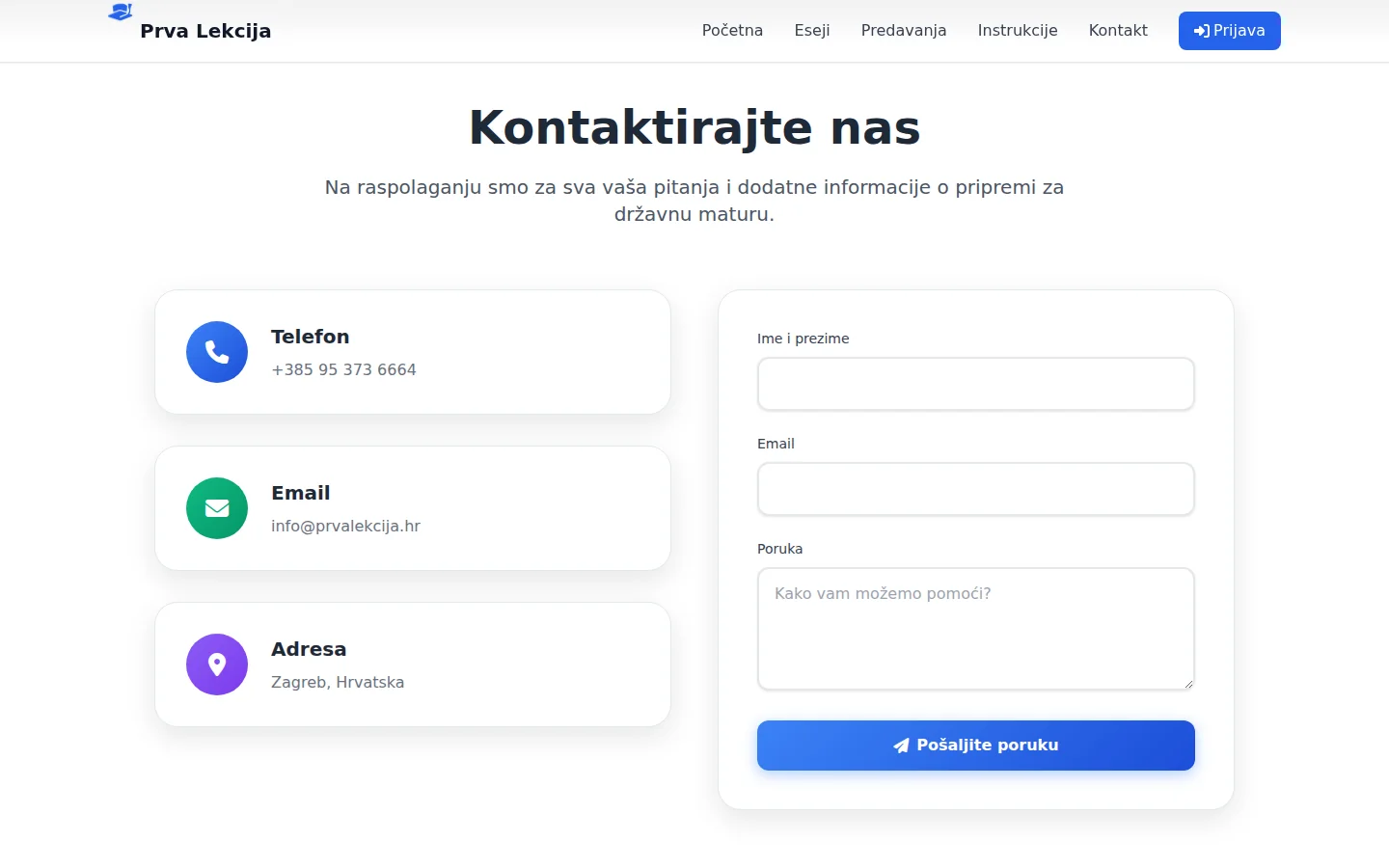
The contact form on the homepage had a button, fields and a message about successful submission. It was not connected to a backend. The script behind it would count down some time and print a confirmation — without any requests to the server. Every inquiry submitted through the site was lost at the moment of sending, and the visitor saw that the message was successfully sent.
A real server-side handler was added. Validation is done on the server and returns messages in Croatian. The form carries a hidden honeypot field for bots — if filled out, the message is discarded without a trace. There is a limit to the number of messages per IP address per unit of time, because the contact form is the easiest target for mass sending. Each valid message is first entered into the database, and only then is the email attempted.
That order is the whole trick. Email delivery can fail for ten reasons that don't depend on the site — a full inbox, an invalid address, a filter on another page. If the message is recorded in the database before sending, a failed email notification only means that the notification did not arrive, not that the inquiry disappeared. All messages can be seen in the admin panel, with read status and a deletion option.
The same pass also fixed dead calls to action. Several buttons on the site led to an anchor that never existed, so clicking left the visitor in the same place, without any reaction — and those were the Reserve Seat and Buy Essays buttons, the exact calls to action that drive conversion. Now they lead to the contact section, or directly to the purchase flow.
Technical performance
The site is written in PHP 8.3 with a MariaDB database, without WordPress and without any plugins that require ongoing updates. The pages are divided into sections — each section has its own PHP, its own CSS, and its own JS — so one section of the homepage can be replaced without touching the rest of the page.
Stripe is not pulled in through a full SDK either. The integration requires three calls to their API and a signature check, which doesn't justify the entire vendor/ directory that is then maintained and updated. A small client is written on cURL, with a fixed version of the API, so that a change on their end cannot silently change the billing behavior.
Access data for the database and billing keys are not in the code but in a .env file outside the webroot, and readable only by the site process. There are no secrets in the repository. Sensitive files, backups, and the .git directory are rejected by the server — verified by request, not by assumption.
nginx sits in front of PHP and caches completed page responses. An anonymous visitor gets the page from the cache, authenticated users always bypass the cache. In order for this to work, the session on regular pages only continues if the cookie already exists — otherwise any random visitor would get a session cookie and thus bypass the page cache across the entire site. Time to first byte has been measured at 30 to 50 milliseconds on all pages, both cached and uncached.
One finding from this work is not visible in either the code or the speed. The domain had an IPv6 address, but the server only listened on IPv4 — visitors coming over IPv6 received someone else's default certificate and a browser warning that the connection was not secure. To those visitors, the site appeared compromised. It was fixed by adding an IPv6 listen to the configuration; both addresses now match with the same certificate.
Speed, accessibility and what's left open
Cumulative layout shift is zero on all pages — nothing jumps under your finger as content renders. The homepage on the phone scores a 94 for performance in the Google benchmark, with the largest element rendering in about 2.6 seconds.
The measured pages score 100 for accessibility on the measured pages, after functional fixes rather than cosmetic adjustments. Until recently, the site had no main element on any page, and the skip link at the top — the one screen readers use to skip navigation — targeted an anchor that only existed on the homepage, leading to nothing on three of the four main pages. Both are fixed. In addition, the contact form fields are connected to their captions, and the page titles are arranged in the correct hierarchy, so that all pages pass the W3C check without a single error.
The remaining limitation is documented. Tailwind is loaded from a CDN and compiled in the browser, which is the only render-blocking dependency left and has the largest performance impact on subpages. The fix is a local build, but it carries a risk to the visual layer of a site that's already published and sold — so it's been delayed until it can be followed by full cross-device testing. When there is a number in the report that is not the best possible, there is usually a decision like this behind it, not an oversight.
The certificate is under automatic renewal, with a daily deadline check. The domain is listed for browser-enforced HTTPS and the a complete set of security headers is configured.
SEO, schema and visibility
Each page has its own title, its own description and the correct canonical URL. The sitemap contains only six real URLs, and all six return the correct response. Sign-in, registration, account, and panel are excluded because sign-in and private account routes do not belong in a public sitemap. The post-payment return page is excluded from indexing and omitted from the sitemap, for obvious reasons.
The site includes EducationalOrganization and WebSite structured data, and the essays page also includes Product data with an offer. That offer is generated from the same database row from which the displayed price is printed, so the display and the structured data cannot diverge — a common store mistake is changing the price in one place, but it remains the same in the structured data. Ratings and reviews are not included, because there are none; a fictitious rating in structured data is a direct route to losing eligibility for rich results.
For AI-assisted search, the site received crawler directives for AI services in robots.txt and llms.txt in Croatian — a brief description of what the site offers and which market it serves, written so that the model can read it and retell it accurately. The same file blocks crawling of the API, admin panel and user-account area.
Analytics works with consent according to the Consent Mode v2 standard: until the visitor consents, the measurement is not activated. The cookie bar also offers opt-out, and the choice is remembered — including on a return visit, where consent is renewed without being asked again.
A special layer of sales conditions has been prepared for the Croatian market. The withdrawal right does not work the same for a PDF, which is digital content, and for a lecture, which is a service — so there are two separate consents, not one checkbox for both. That section remains unpublished until the client supplies the required business information.
Outcome
Admin panel and what the client received
The panel is separate from the site and covers the tasks performed every day: users, products with price and content, purchases with statuses, messages from the contact form and settings. Through the settings, the address to which notifications of inquiries arrive, the link for the live lecture and the identifier of the analytics are changed — without changing code or requiring developer assistance.
The panel is also the place where content to be sold is added. A product without content can be created, but then the customer pays and has nothing to download — so populating the content is the first step after each new item in the catalog, not something left for later.
Every state-changing action in the panel is recorded in a separate server log with who changed what and when. An administrator cannot delete himself or remove their own administrator privileges, because that is a safeguard against leaving the site without an administrator.
Practically, the day looks like this. The student finds the site, downloads a free sample essay, selects a set and completes the card payment. The content is delivered as soon as Stripe confirms the payment, without manual intervention. If a student wants tutoring instead, they complete the contact form — the message lands in the database and in the panel, and is visible even when the e-mail notification does not arrive for any reason.
The result is a site the business owns. The code and database are on the server, they can be copied and moved; there are no monthly platform fees or sales commissions other than what the card processor takes. The site is live, billing is active, and changes are made on the live site, with a backup copy before each one.
FAQ
Frequently asked questions
Is card data stored on the site?
No. Entering card details takes place on the Stripe payment page, off-site. There is no field on the server that receives the card number, so the application has no card number to expose. The site only knows that the purchase has been paid and which product it is.
What if the customer pays and closes the window before returning to the site?
The delivery is not done by the browser return alone. The payment confirmation also arrives directly on the server, and both paths lead to the same code that delivers the content exactly once. The purchase appears on the account when the payment is confirmed, regardless of where the customer is at the time.
Can someone change the price before paying?
No. Only the product identifier is sent by the browser; the server takes the price from its database and ignores the amount sent from the browser at all. The same applies to access rights — content is released only for purchases that have been confirmed as paid.
Can the owner change prices and content?
Yes, through the admin panel. Products, prices, delivered content, settings and notification email address can be changed without touching the code. The price displayed on the site and the price charged come from the same record, so they cannot diverge.
Where does the customer find purchased content?
Content is delivered only after confirmed payment. A user account keeps purchased materials available in one place and across devices.
How long does it take to create a website with billing?
Payment integration is a smaller part of the work than it first appears. Most of the time is taken up by the catalog, the content being delivered and testing edge cases — from a double-click on the payment button to a late payment. It is realistically measured in weeks, not days.
Up next
Related projects
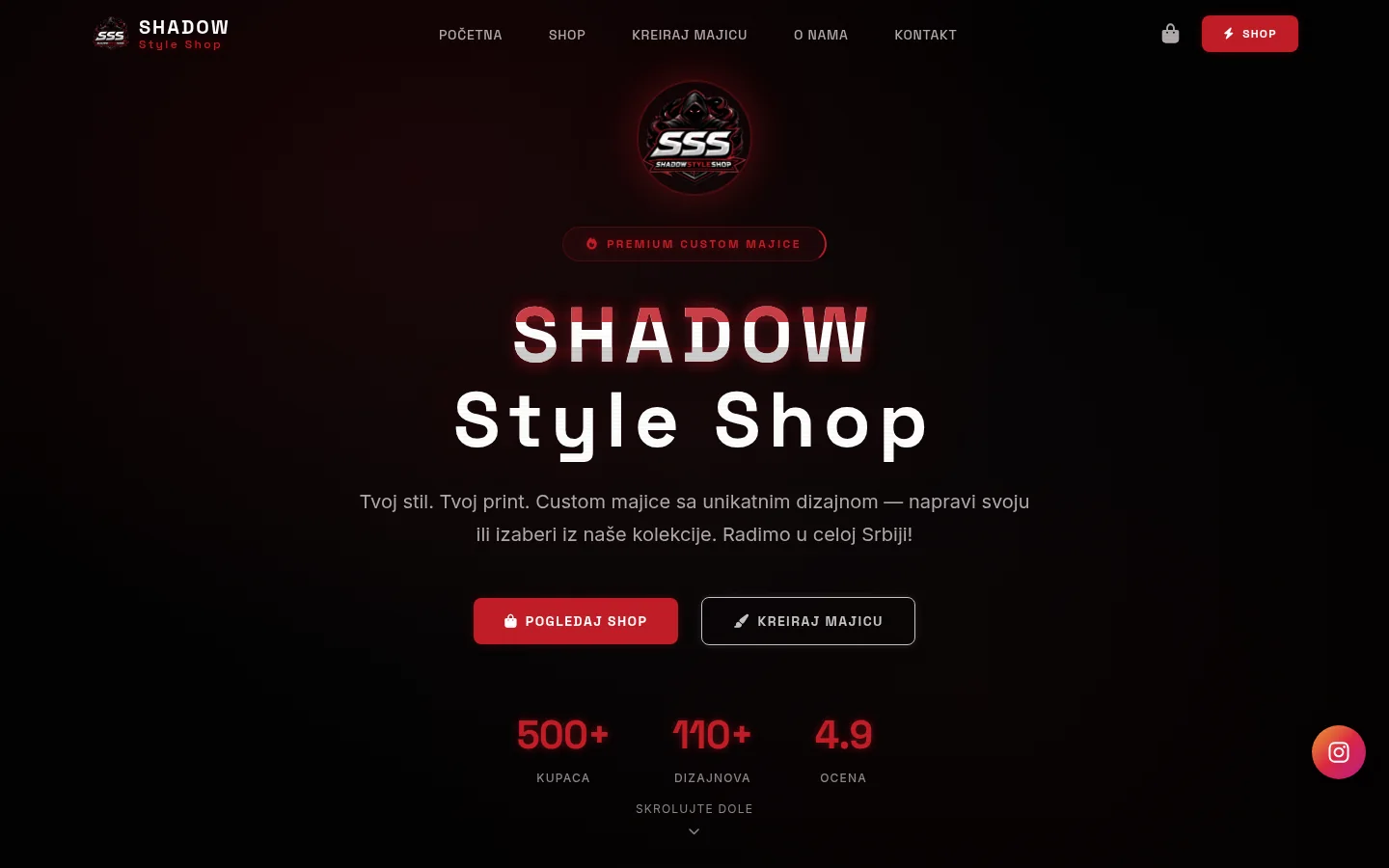
Shadow Style Shop
T-shirt store with print and your own design configurator — catalog, shopping cart, volume discount and admin panel.
Case study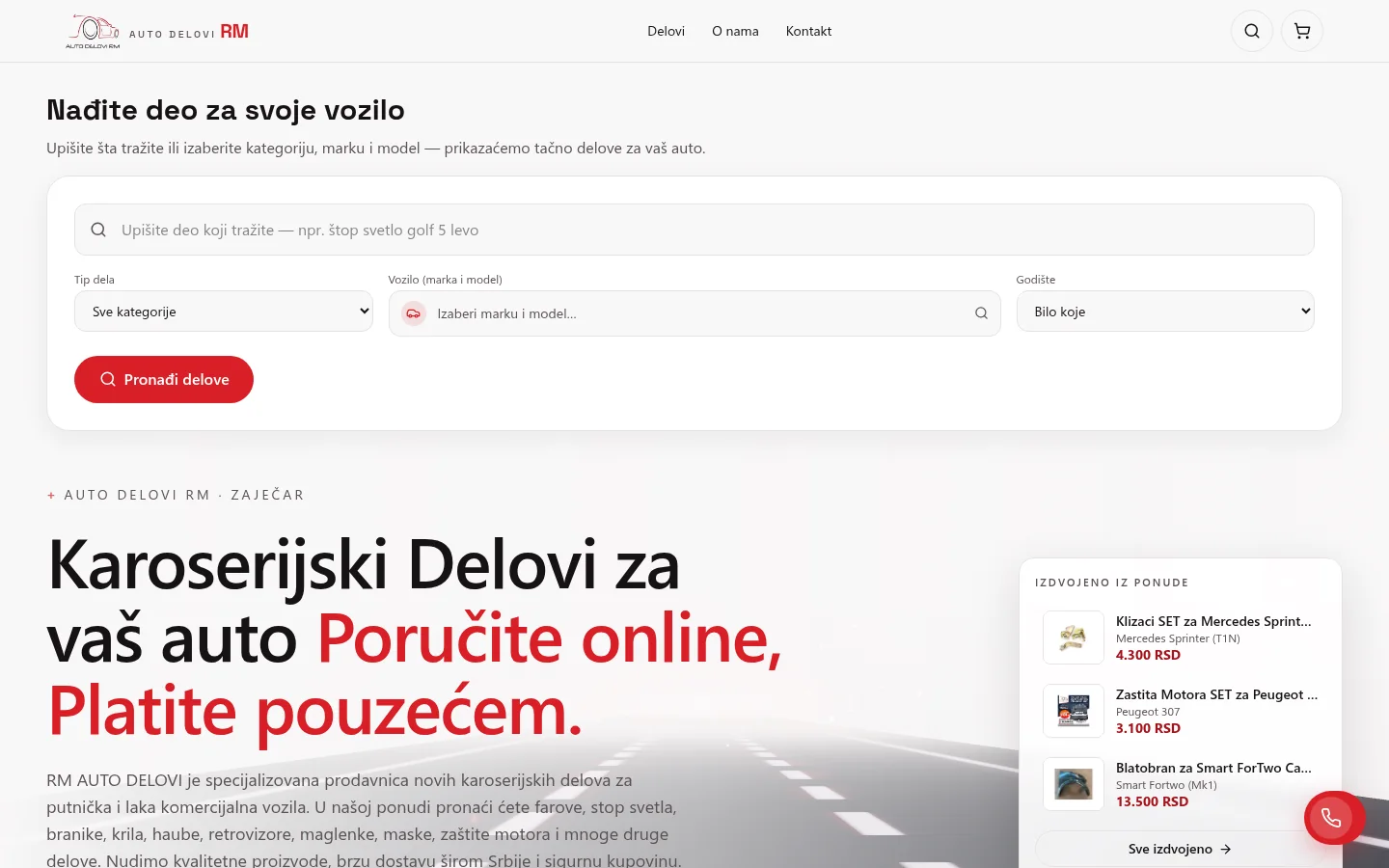
Auto Delovi RM
Web shop of body parts with selection by make, model and year — over a thousand items, basket with cash on delivery and a panel from which the owner manages the offer.
Case study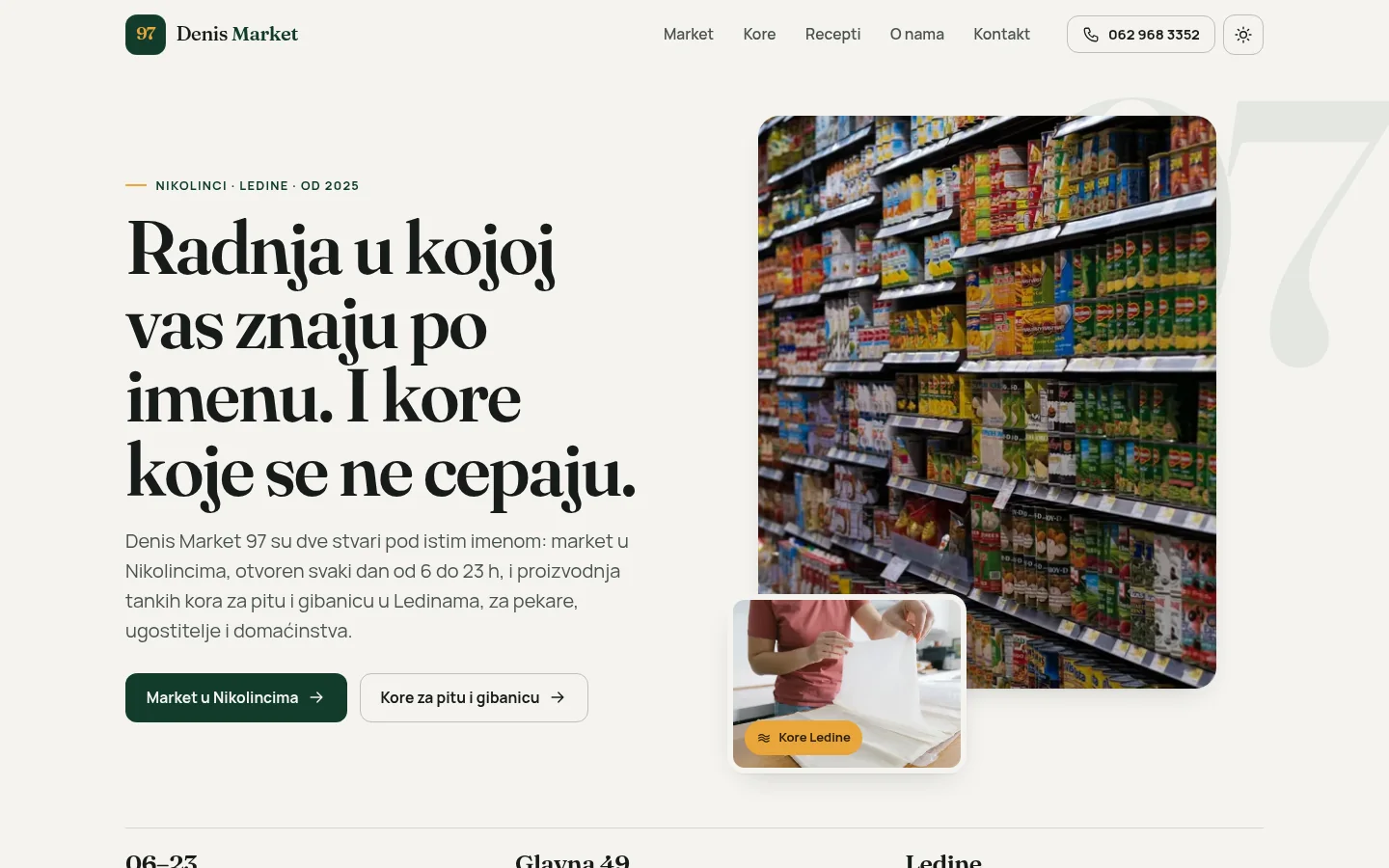
Denis Market 97
One site for two jobs: market open from 6 a.m. to 11 p.m. in Nikolinci and production of phyllo pastry in Ledine, on 37 pages.
Case studyNext step
Have a project that needs to work better?
Send me your goal and current situation. I will reply with a concrete scope proposal.
Start a project